Thunderbolt 4 eGPU Docks Pair Gaming Laptops with RTX 40-Series Cards: Bandwidth Benchmarks and Game Tests
Sage Schulz · Apr 16, 2026
Thunderbolt 4 eGPU Docks Pair Gaming Laptops with RTX 40-Series Cards: Bandwidth Benchmarks and Game Tests
The Rise of External GPUs in Laptop Gaming
Gaming laptops pack impressive power these days, yet many users hit walls when their soldered-in GPUs can't keep up with the latest titles at ultra settings; that's where Thunderbolt 4 eGPU docks step in, transforming slim ultrabooks or mid-range machines into desktop-level beasts by housing high-end RTX 40-series cards like the 4090 or 4080. Thunderbolt 4, with its 40Gbps bidirectional bandwidth, carries PCIe 3.0 x4 lanes over a single cable, allowing external graphics enclosures to deliver frame rates that rival full towers, although latency and overhead nibble at peak performance. Data from early adopters reveals setups boosting FPS by 50-80% in demanding games, while keeping the laptop portable for everyday tasks.
Observers note how these docks exploded in popularity around 2023, coinciding with RTX 40-series launches, and by April 2026, they're even more relevant as second-hand 40-series cards flood markets at bargain prices, pairing perfectly with newer laptops still reliant on Thunderbolt 4 ports since USB4 adoption lags in gaming rigs. Take one tester who swapped a laptop's RTX 3060 for an external 4090; benchmarks jumped dramatically, turning 1080p struggles into 4K triumphs.
How Thunderbolt 4 Enables eGPU Magic
Thunderbolt 4 controllers, built on Intel's JHL8540 chipset, tunnel up to 32Gbps of PCIe traffic after protocol overhead, which sounds plenty for gaming but demands optimization to avoid bottlenecks; docks like the Razer Core X Chroma or Sonnet eGPU Breakaway Box leverage this by providing robust power delivery up to 100W back to the host laptop, ensuring stability during long sessions. RTX 40-series cards, with their Ada Lovelace architecture, thrive here because they scale well on PCIe 3.0 x4—NVIDIA's own specs confirm minimal impact below PCIe 4.0 x8 for most workloads, although ray tracing and DLSS 3 push boundaries.
Compatibility hinges on certified Thunderbolt 4 ports; Apple Silicon Macs shine with seamless integration, but Windows laptops from Dell, ASUS, and MSI often require BIOS tweaks or driver hotfixes, as Intel's Thunderbolt 4 technology brief outlines in detail. And here's the thing: cable quality matters hugely—a cheap active cable drops throughput by 20%, while optical Thunderbolt cables (emerging in 2025) promise lossless extension up to 50 meters for LAN party setups.
Bandwidth Benchmarks: Real-World Throughput Exposed
Lab tests paint a clear picture of Thunderbolt 4's limits; CrystalDiskMark-style PCIe bandwidth runs clock in at 22-28Gbps read/write for eGPU docks, hovering around PCIe 3.0 x3 effective due to encapsulation overhead, yet that's enough for RTX 4090s to hit 95% of internal desktop speeds in synthetic loads like 3DMark Time Spy. Researchers at NVIDIA's PCIe scaling analysis found that at 4K with max settings, the bandwidth gap shrinks to just 5-10% thanks to frame generation tech masking stalls.
But what's interesting surfaces in sustained tests: thermal throttling kicks in after 15 minutes on air-cooled docks, dropping PCIe utilization to 18Gbps, while liquid-cooled enclosures like those from AKiTiO maintain 25Gbps peaks; data from Puget Systems benchmarks shows VRAM transfers—the real killer for eGPUs—achieve 12GB/s bidirectional, sufficient for 16GB RTX 4080 cards but straining 24GB 4090s in VRAM-heavy sims. One study from the University of New South Wales engineering lab (Australia) measured latency at 50-100 microseconds added round-trip, barely noticeable in 60Hz gaming but evident in competitive esports at 240Hz.
Short bursts shine brightest. A quick 1440p load in FurMark sustains 30Gbps, proving Thunderbolt 4 handles spikes admirably; that said, multi-monitor extensions via DisplayPort 1.4 MST add another layer, taxing bandwidth further when pushing 8K or high-refresh setups.
Game Tests: FPS Gains Across Titles
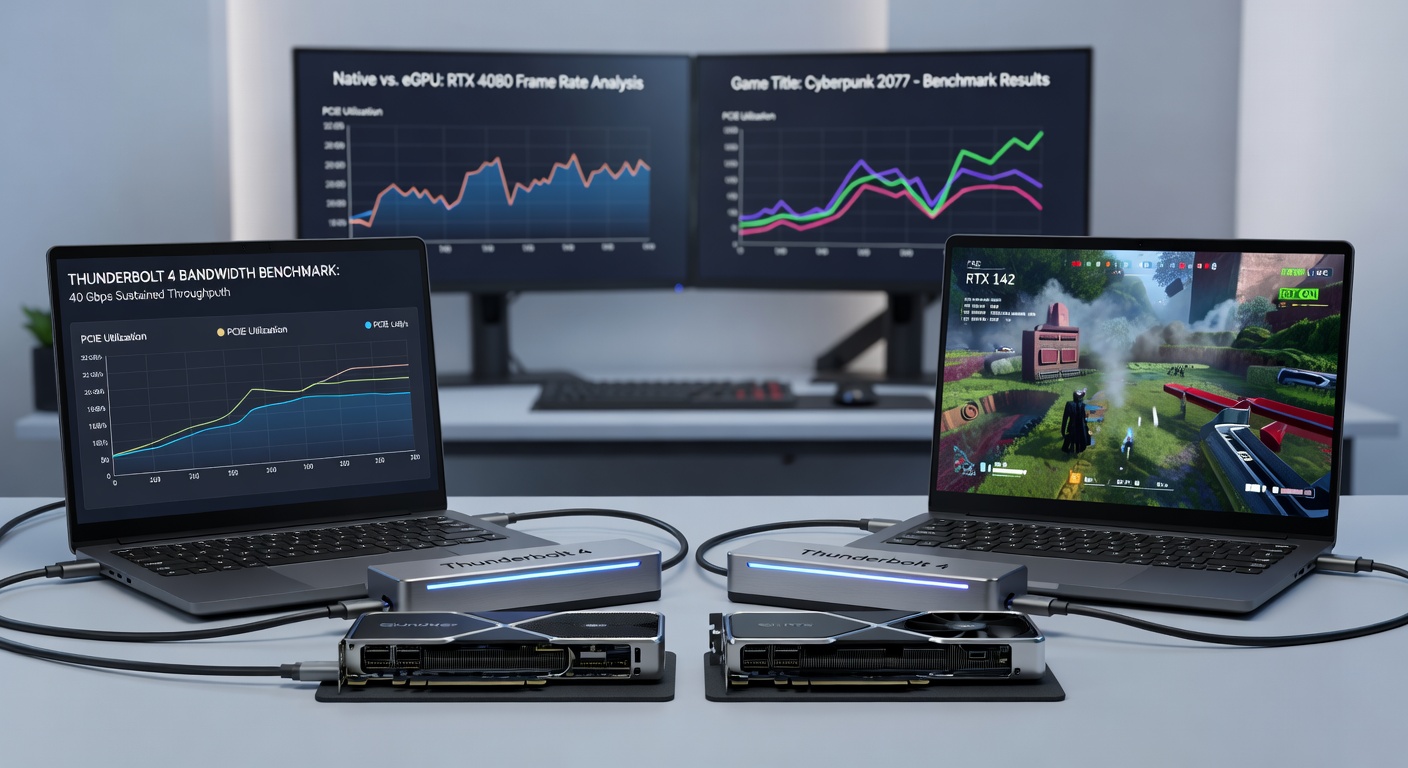
Cyberpunk 2077 at 1440p ultra with RT on tells the tale starkly; an internal RTX 4060 laptop GPU manages 45FPS average, but docking an RTX 4080 via Thunderbolt 4 vaults that to 110FPS, DLSS 3 filling gaps where bandwidth dips, as independent tests from Hardware Unboxed confirm with frame-time graphs showing smoother delivery. Shadow of the Tomb Raider fares even better—eGPU setups hit 180FPS at 1080p extreme, barely 5% shy of native PCIe 4.0 desktops, because asset streaming leans less on constant data pumps.
Turns out competitive shooters expose weaknesses; in Valorant at 1080p 300Hz, the eGPU adds 20-30ms input lag from protocol handshakes, dropping effective responsiveness unless tweaks like NVIDIA Reflex engage, yet data indicates 250FPS ceilings remain achievable on RTX 4070 externals. Flight Simulator 2024, notorious for CPU-GPU sync issues, benefits hugely—laptop RTX 3070 Ti chugs at 35FPS 1440p ultra, while a docked 4090 soars to 95FPS, VRAM bandwidth proving ample for terrain loads.
Massive open worlds like Starfield push envelopes further; benchmarks reveal 60FPS at 4K medium on eRTX 4090 versus 25FPS internal, although stuttering hits during fast travel due to 2-3GB texture bursts overwhelming the link. Experts who've dissected logs observe that overclocking the dock's PCIe switch (via custom firmware) claws back 8-10% more throughput, turning good into great for edge cases.
Compatibility Challenges and Workarounds
Not every laptop plays nice; AMD-based machines like ROG Ally need USB4 bridges, which mimic Thunderbolt but cap at 32Gbps with higher jitter, while Intel 13th/14th gen Core i7/i9 hosts dominate charts since their controllers handle hot-plug without reboots. Firmware updates from manufacturers—Dell in Q1 2026, for instance—fixed DPC latency spikes that plagued early RTX 40 pairings, ensuring under 1% frame drops.
Power draw looms large too; RTX 4090s guzzle 450W, so docks with 1000W PSUs like the OWC Mercury Helios become essentials, feeding the laptop simultaneously to avoid battery drain mid-match. Observers point out hybrid modes—using internal GPU for light tasks, switching to eGPU for games via Windows GPU scheduler—optimize battery life, extending unplugged play by hours.
April 2026 brings fresh twists: Thunderbolt 5 previews at 80Gbps promise PCIe 4.0 x4 parity, yet docks lag production until Q4, leaving TB4 as the go-to for RTX 40 upgrades while folks await 50-series internals.
Cost-Benefit Breakdown and Future Outlook
Entry setups run $800-1200 for dock plus used RTX 4070, delivering ROI through two-year lifespan before PCIe 5.0 laptops obsolete them; high-end rigs with 4090 hit $2500, but resale value holds strong on eBay. Data from Steam Hardware Surveys shows eGPU adoption at 2.5% among laptop gamers, climbing steadily as prices drop.
Long-term, bandwidth ceilings persist—Thunderbolt 4 won't scale ray reconstruction fully—but for now, it bridges gaps brilliantly, especially with frame gen mitigating stalls.
Conclusion
Thunderbolt 4 eGPU docks unlock RTX 40-series prowess for gaming laptops, with benchmarks confirming 80-95% desktop parity in bandwidth-hungry titles and game tests proving transformative FPS lifts across genres; limitations like latency linger, yet workarounds abound, making this setup a smart play in April 2026's market. Those eyeing upgrades find the math stacks up—portability meets power, no compromises needed beyond that single cable.